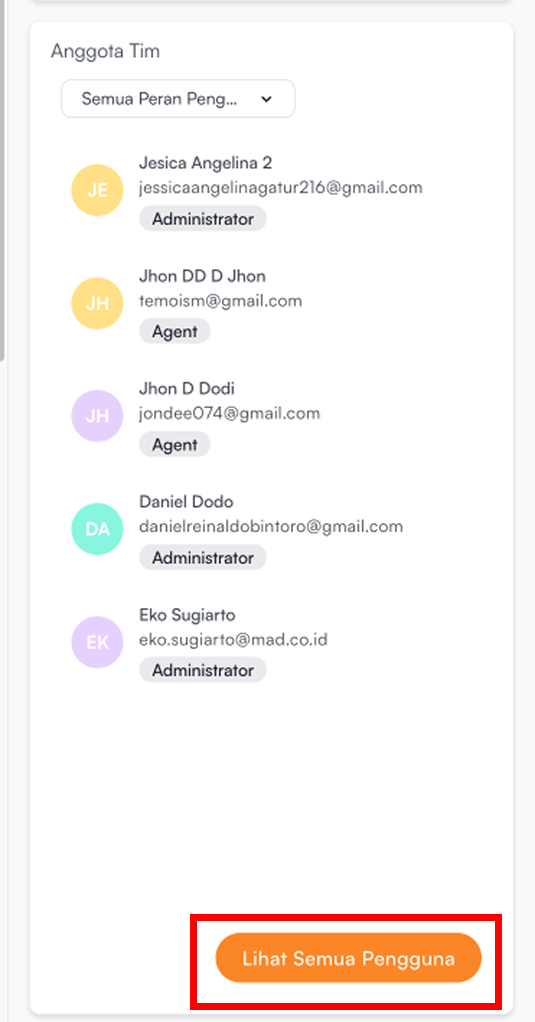


The Team Members section on the dashboard is used to display a list of users who are registered and active within the workspace.
To view more detailed information about all users in the workspace, click View All Users
The following information is displayed:
| Information | Description |
|---|---|
| User Name | The name of the user registered in the workspace |
| The email used by the user to access the workspace | |
| Role | The user’s role within the workspace |