


Team Members displays a list of users who are part of the same workspace.
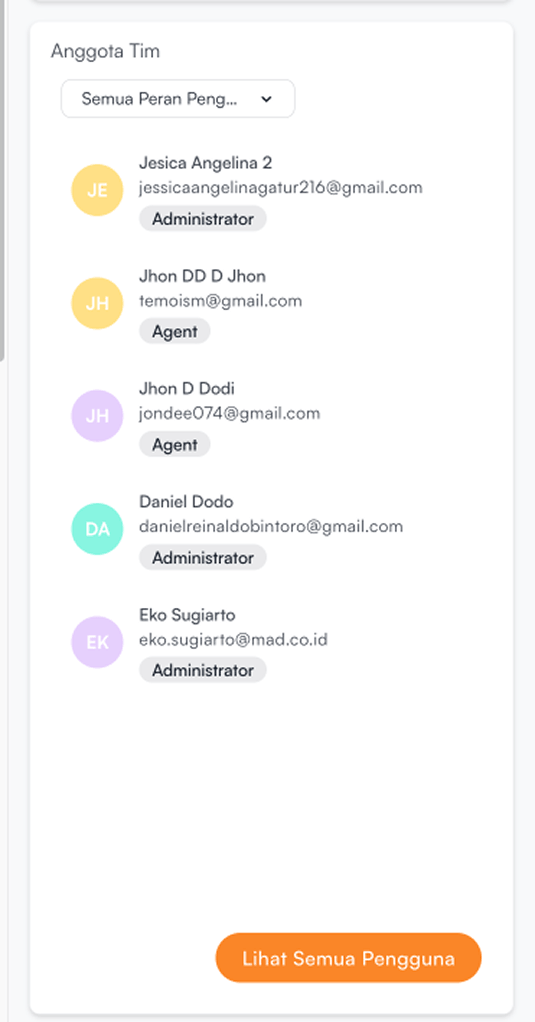
The following information is displayed:
| Information | Description |
|---|---|
| User Name | The name of the team member |
| The email address used by the user | |
| Role | The user’s role within the workspace |
Users can filter the team member list based on roles:
- Click the filter dropdown (e.g., All User Roles)
- Select the role you want to display:
- Administrator
- Supervisor
- Agent
If users want to view more detailed information about users, click View All Users.


